
xmake
一个基于Lua的轻量级跨平台自动构建工具
## 简介
XMake是一个基于Lua的轻量级跨平台自动构建工具,支持在各种主流平台上构建项目
xmake的目标是开发者更加关注于项目本身开发,简化项目的描述和构建,并且提供平台无关性,使得一次编写,随处构建
它跟cmake、automake、premake有点类似,但是机制不同,它默认不会去生成IDE相关的工程文件,采用直接编译,并且更加的方便易用
采用lua的工程描述语法更简洁直观,支持在大部分常用平台上进行构建,以及交叉编译
并且xmake提供了创建、配置、编译、打包、安装、卸载、运行等一些actions,使得开发和构建更加的方便和流程化。
不仅如此,它还提供了许多更加高级的特性,例如插件扩展、脚本宏记录、批量打包、自动文档生成等等。。
如果你想要了解更多,请参考:
* [在线文档](http://xmake.io/#/zh/)
* [项目主页](http://www.xmake.io/cn)
* [Github](https://github.com/tboox/xmake)
* [Gitee](https://gitee.com/tboox/xmake)
## 安装
#### 使用curl
```bash
bash <(curl -fsSL https://raw.githubusercontent.com/tboox/xmake/master/scripts/get.sh)
```
#### 使用wget
```bash
bash <(wget https://raw.githubusercontent.com/tboox/xmake/master/scripts/get.sh -O -)
```
#### 使用powershell
```bash
Invoke-Expression (Invoke-Webrequest 'https://raw.githubusercontent.com/tboox/xmake/master/scripts/get.ps1' -UseBasicParsing).Content
```
## 简单的工程描述
```lua
target("console")
set_kind("binary")
add_files("src/*.c")
```
## 构建工程
```bash
$ xmake
```
## 运行目标
```bash
$ xmake run console
```
## 调试程序
```bash
$ xmake run -d console
```
## 支持特性
* Tasks
* Macros
* Actions
* Options
* Plugins
* Templates
## 支持平台
* Windows (x86, x64, amd64, x86_amd64)
* Macosx (i386, x86_64)
* Linux (i386, x86_64, cross-toolchains ...)
* Android (armv5te, armv6, armv7-a, armv8-a, arm64-v8a)
* iPhoneOS (armv7, armv7s, arm64, i386, x86_64)
* WatchOS (armv7k, i386)
* Mingw (i386, x86_64)
## 支持语言
* C/C++
* Objc/Objc++
* Swift
* Assembly
* Golang
* Rust
* Dlang
## 内置插件
* 宏记录脚本和回放插件
* 加载自定义lua脚本插件
* 生成IDE工程文件插件(makefile, vs2002 - vs2017, ...)
* 生成doxygen文档插件
## 更多插件
请到插件仓库进行下载安装: [xmake-plugins](https://github.com/tboox/xmake-plugins).
## 简单例子
[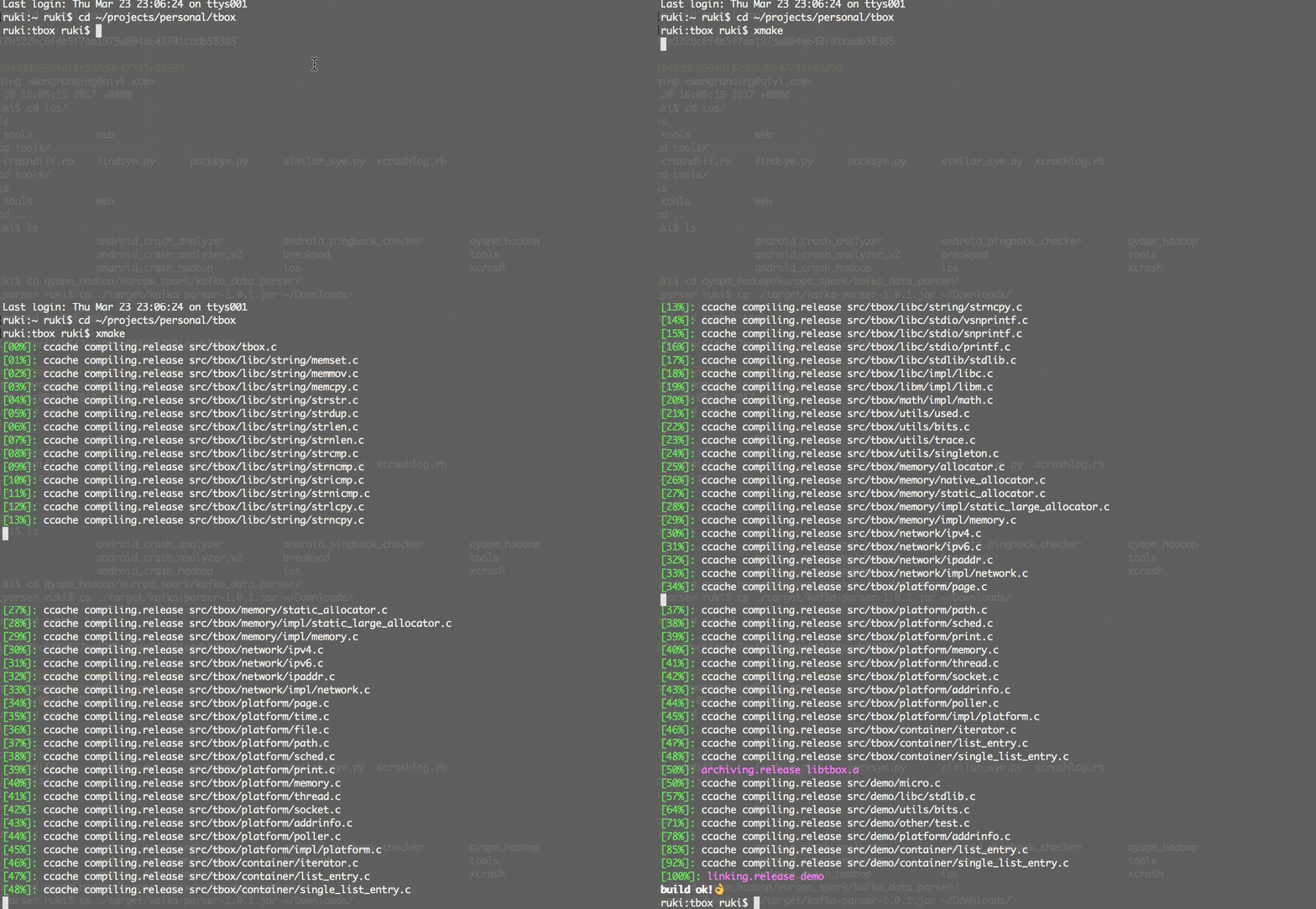](http://www.xmake.io/cn)
创建一个c++ console项目:
```bash
xmake create -l c++ -t 1 console
or xmake create --language=c++ --template=1 console
```
工程描述文件:xmake.lua
```lua
target("console")
set_kind("binary")
add_files("src/*.c")
```
配置工程:
这个是可选的步骤,如果只想编译当前主机平台的项目,是可以不用配置的,默认编译release版本。
```bash
xmake f -p iphoneos -m debug
or xmake f --plat=macosx --arch=x86_64
or xmake f -p windows
or xmake config --plat=iphoneos --mode=debug
or xmake config --plat=android --arch=armv7-a --ndk=xxxxx
or xmake config -p linux -a i386
or xmake config -p mingw --cross=i386-mingw32- --toolchains=/xxx/bin
or xmake config -p mingw --sdk=/mingwsdk
or xmake config --help
```
编译工程:
```bash
xmake
or xmake -r
or xmake --rebuild
```
运行目标:
```bash
xmake r console
or xmake run console
```
调试目标:
```bash
xmake r -d console
or xmake run -d console
```
打包所有:
```bash
xmake p
or xmake package
or xmake package console
or xmake package -o /tmp
or xmake package --output=/tmp
```
通过宏脚本打包所有架构:
```bash
xmake m package
or xmake m package -p iphoneos
or xmake m package -p macosx -f "-m debug" -o /tmp/
or xmake m package --help
```
安装目标:
```bash
xmake i
or xmake install
or xmake install console
or xmake install -o /tmp
or xmake install --output=/tmp
```
详细使用方式和参数说明,请参考[文档](https://github.com/waruqi/xmake/wiki/%E7%9B%AE%E5%BD%95)
或者运行:
```bash
xmake -h
or xmake --help
or xmake config --help
or xmake package --help
or xmake macro --help
...
```
## 一些使用xmake的项目:
* [tbox](https://github.com/waruqi/tbox)
* [gbox](https://github.com/waruqi/gbox)
* [libsvx](https://github.com/caikelun/libsvx)
* [更多项目](https://github.com/waruqi/xmake/wiki/%E4%BD%BF%E7%94%A8xmake%E7%9A%84%E5%BC%80%E6%BA%90%E5%BA%93)
## 简单例子
```c
-- the debug mode
if is_mode("debug") then
-- enable the debug symbols
set_symbols("debug")
-- disable optimization
set_optimize("none")
end
-- the release mode
if is_mode("release") then
-- set the symbols visibility: hidden
set_symbols("hidden")
-- enable fastest optimization
set_optimize("fastest")
-- strip all symbols
set_strip("all")
end
-- add target
target("test")
-- set kind
set_kind("static")
-- add files
add_files("src/*.c")
```
## 联系方式
* 邮箱:[waruqi@gmail.com](mailto:waruqi@gmail.com)
* 主页:[tboox.org](http://www.tboox.org/cn)
* 社区:[TBOOX开源社区](https://github.com/tboox/community/issues)
* QQ群:343118190
* 微信公众号:tboox-os
## 支持项目
xmake项目属于个人开源项目,它的发展需要您的帮助,如果您愿意支持xmake项目的开发,欢迎为其捐赠,支持它的发展。 🙏 [[支持此项目](https://opencollective.com/xmake#backer)]
 ## 赞助项目
通过赞助支持此项目,您的logo和网站链接将显示在这里。[[赞助此项目](https://opencollective.com/xmake#sponsor)]
## 赞助项目
通过赞助支持此项目,您的logo和网站链接将显示在这里。[[赞助此项目](https://opencollective.com/xmake#sponsor)]